AI travel journal for Claude & ChatGPT

Your travel journal, written by the AI agent you already use.

Use Claude or ChatGPT to turn travel photos and quick notes into a private travel journal. Your connected assistant organizes it; Vifo saves it for reading, search and sharing.

Be there. Keep the whole story.

Requires a compatible assistant and permissions: Claude Free supports one custom connector; ChatGPT writing currently needs eligible workspace access. Use a normal chat with Vifo selected.

A Kyoto street with a pagoda and warm lights at dusk
Kyoto, Japan A walk before dinner
“Let’s take the long way back.”

Interactive illustration · Travel scene and writing are illustrative.

MORE THAN A CAMERA ROLL

A place for the day.
Not just the photos.

The little detour. The words you said. A story your assistant helps put together, with a journal you can open again.

See how it comes together →

Vifo stores submitted remarks verbatim, separate from generated descriptions. Review your assistant’s writing and quotes before sharing.

Illustrative Kyoto journal · not a real travel record.

A PAGE FROM YOUR JOURNEY

An evening in Kyoto

01 / 03
Kyoto street and pagoda at dusk
The walk before dinner.

The slower way home.

A walk through the old streets before dinner. No hurry, no next stop. Just a little more of Kyoto.

“Let’s take the long way back.”
A pagoda at dusk in an illustrative Kyoto journal

A photo, a few words, and a moment worth coming back to.
YOUR ASSISTANT. YOUR JOURNEY.

How to keep a travel journal with your AI assistant

  1. Authorize your assistant.

    Connect Vifo once in a compatible Claude or ChatGPT setup. Choose the permissions your trip needs.

  2. Open the upload link.

    “Start a new trip — Kyoto, five days.” For photos, ask it for an upload link and pick them in your phone browser.

  3. Let the day come together.

    Saved remarks stay separate from the assistant’s descriptions. Ask it to quote them word for word, and check the finished page.

ACTUALLY SAVED IN VIFOCodex + local MCP test
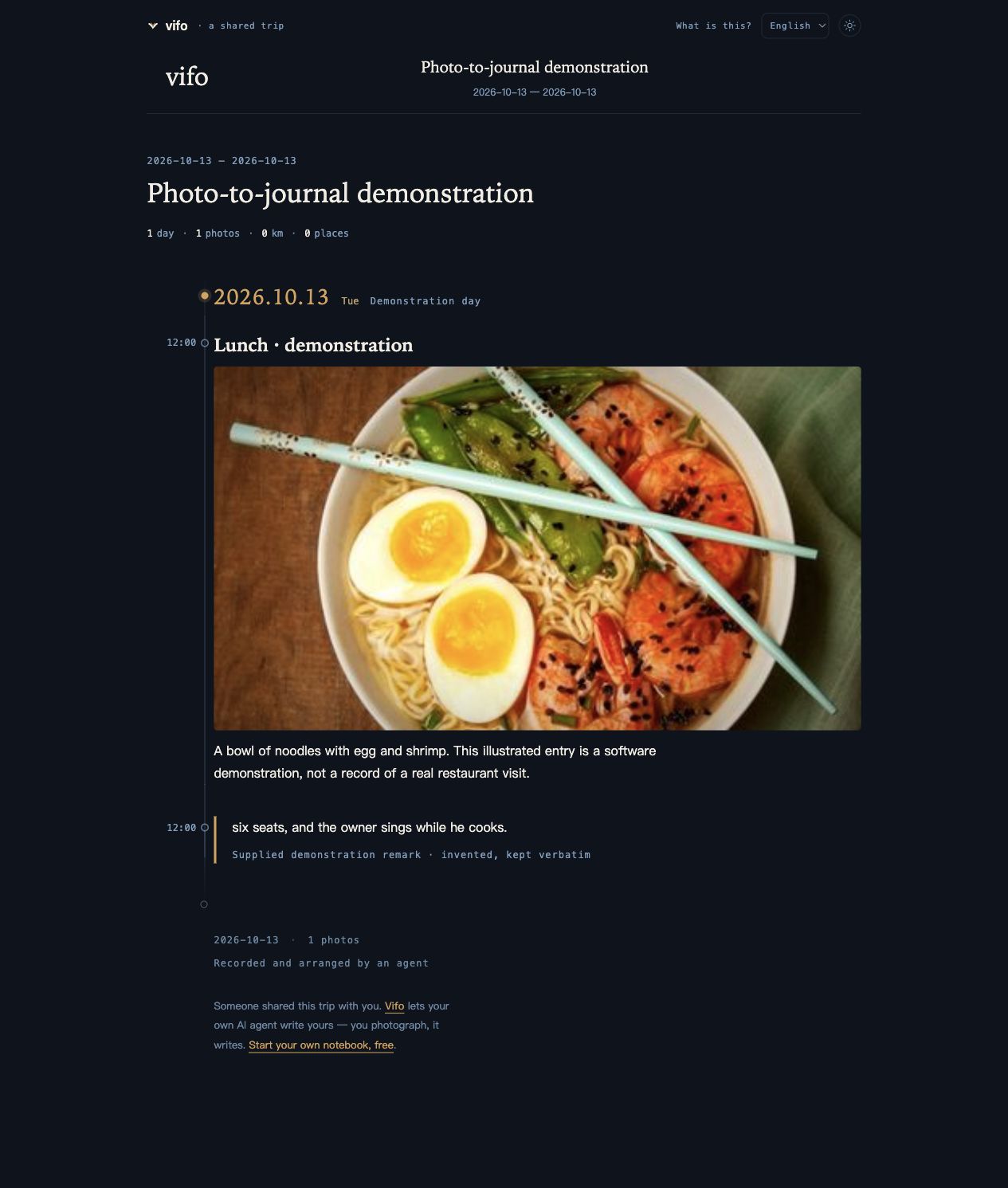
Actual saved Vifo demonstration: one ramen photo, description and verbatim remark
A public demonstration photo and invented remark, saved through the local service. This is separate from the Kyoto illustration above.

KEEP IT. FIND IT AGAIN.

Revisit and search your travel journal

Find a moment through your assistant. Open the saved trip behind the answer, then share a reader link when you’re ready.

See the verified saved example →
“Let’s take the long way back.”

The original words sit alongside the assistant’s description. Open the page to read the moment in context.

Kyoto street in the illustrative source journalAn evening in KyotoDay one · the walk before dinnerOpen the source journal →

CONTINUE WITH YOUR ASSISTANT

Your familiar chat.
A place to keep the journey.

ClaudeSetup & permissions →ChatGPTWorkspace requirements →

Vifo connects your travel journal to compatible assistants over MCP. With your authorization, the hosted service lets your assistant record, read and search trips; submitted remarks are stored verbatim.

Travel journal MCP server for Claude and ChatGPT · Setup and permissions · What is an AI travel journal?

Pricing

FREE
$0
  • 10 trips · 50 photos each · 2 GB storage · full notebook, search, sharing · no video
Start free →
PLUS
$6.9 /mo · or $39.9/yr save 52%
  • Unlimited trips & photos
  • Video + transcription (20/day)
  • 50 GB fair use
Go Plus →

Questions

Do I have to write anything myself?

No. You photograph and say whatever crosses your mind. The agent writes descriptions and builds the timeline. Vifo stores submitted remarks verbatim; ask your agent to quote them exactly and review the result.

Which AI assistants work with Vifo?

A compatible remote MCP assistant, such as Claude or an eligible ChatGPT workspace. Client plans and action permissions differ; see the current setup guide.

Who can see my notebook?

Only you, unless you share a link. Public reader pages never include original photo GPS or video transcripts. Public maps may show verified public place or city centres.

Who owns my photos?

You do. Export everything on request — write to privacy@vifo.app; the same mailbox handles account removal. Every claim in the privacy policy maps to a field in the code.

Can Claude or ChatGPT turn my travel photos into a journal?

Yes, with a compatible client and recording permission. Connect Vifo, open the upload link on your phone, then ask your assistant to organize your photos and remarks into a journal. ChatGPT writing currently requires eligible workspace access.

Is there a free plan?

Yes. Free covers your 10 most recent trips, 50 photos each, no video. Plus is $6.9/month or $39.9/year: unlimited trips, video with transcription, 50 GB fair use.

YOUR NEXT PAGE

Go somewhere.
Keep what happened.

You already have the assistant. Give it a place to save the journey, and keep your own words along the way.

Connect your agent